Travel photos in · printable pages out
Turn your travel photos into a coloring book.
Pick a handful of favorites from a trip. Trip2Art turns them into clean, printable line-art pages — a real book, with a cover and a sequence, ready to print at home.
Free to try. No ads, no trackers.

 Your photoYour page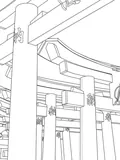

- Up to 16Photos per book
- MinutesTo draw a book
- PDFUS Letter, fits A4
- FreeNo ads, no trackers
How it works
Three steps, and a few minutes.
You choose the photographs. Trip2Art does the drawing, builds the book and hands you the file.
- 01
Pick up to 16 photos — 5 for a Quick book
From one trip. Clear, well-lit shots with a strong subject work best.
- 02
We draw each one
Every photo becomes a clean line-art page. It takes a few minutes.
- 03
Print, or share the PDF
A cover and your pages as a US Letter PDF that fits A4. Print at home or send the link.
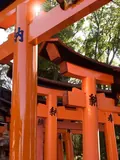
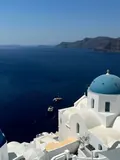
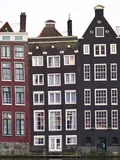

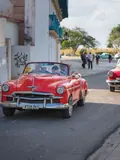

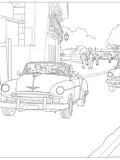
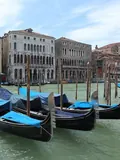
Pages from real trips
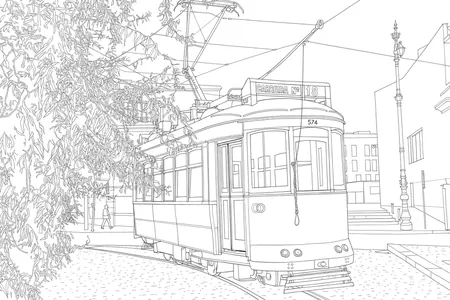
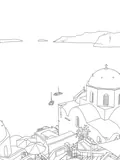
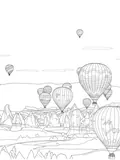
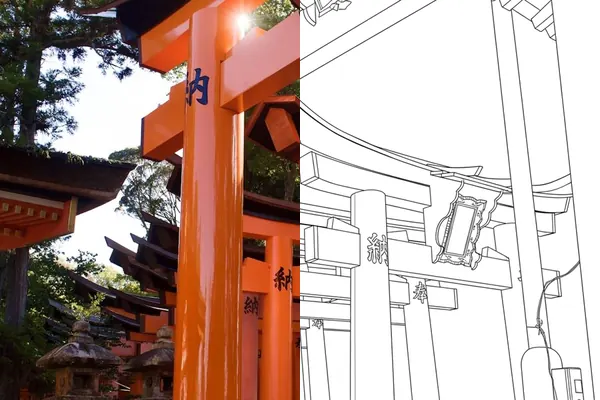
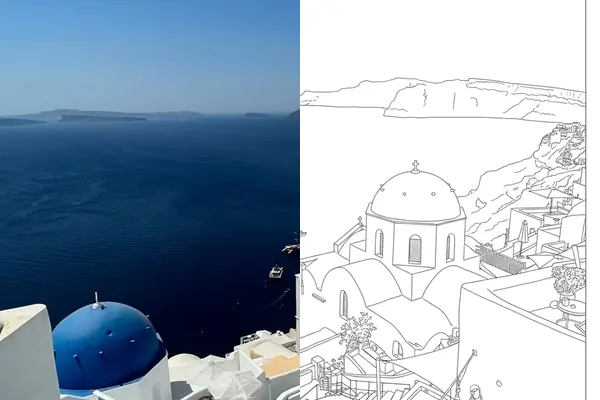
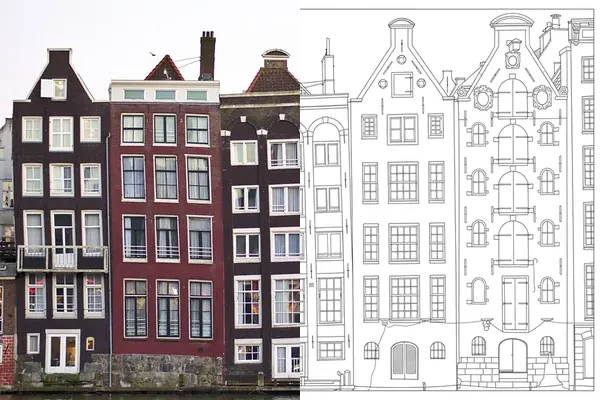
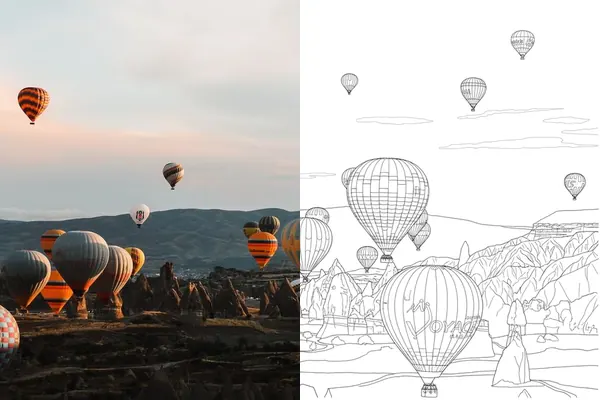
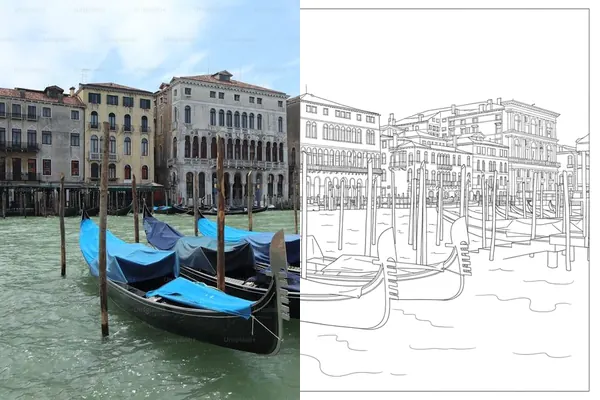
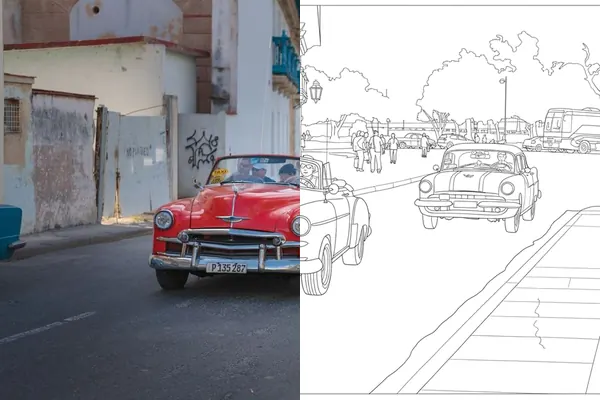
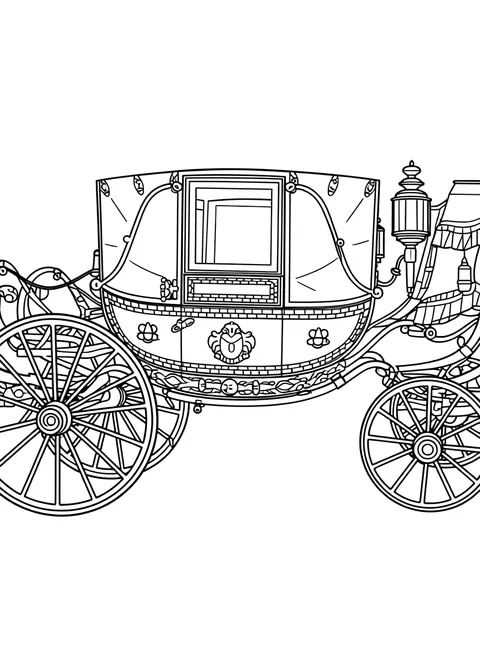
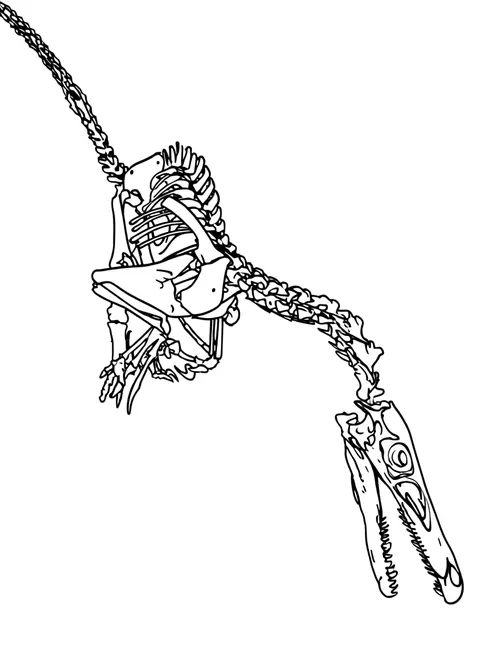
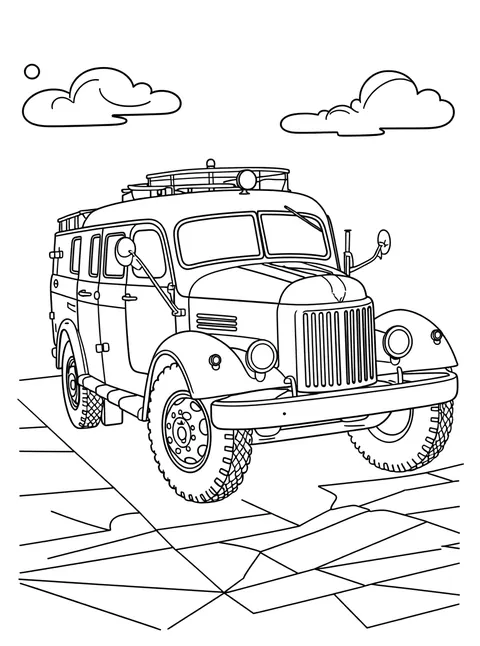
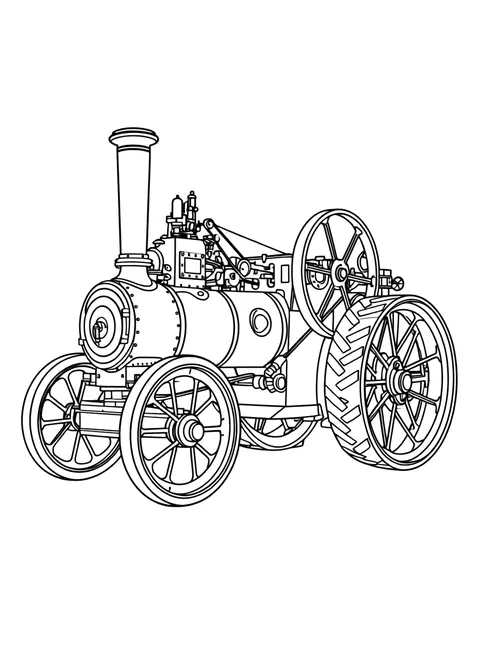
Every page here was drawn from the photograph beside it.
Same frame, same moment: the left half is what the camera saw, the right half is the page Trip2Art drew.
Free printables
Free printable coloring pages
Animals, pets, flowers and places drawn as clean black line art, free to print. Every page says how it was made and under what license.
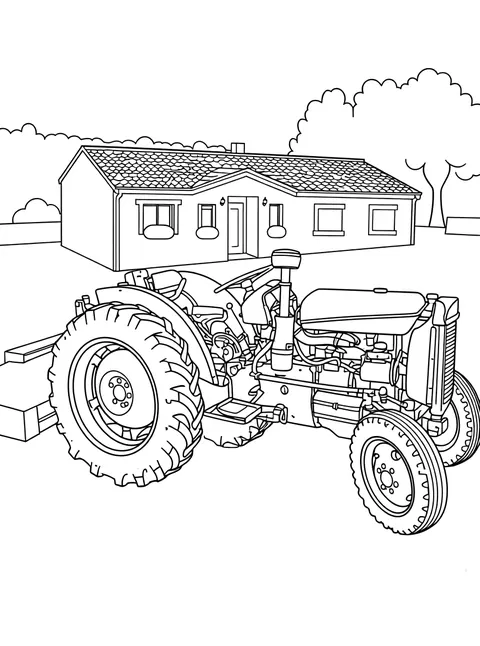
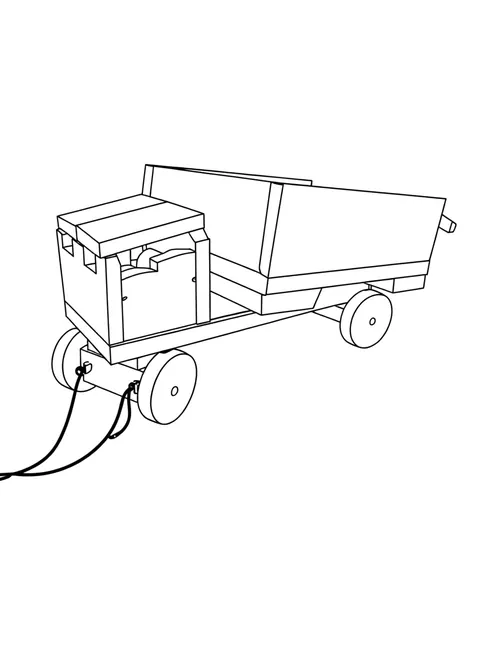
Page 4 · Lisbon, May
What you get
One PDF. A cover, then your pages.
Black line art on a white ground, sized for ordinary paper. Any page colored in the app comes out in those colors instead. You download the PDF; nothing is posted to you and nothing expires.
Trip2Art gives you three free books to start, then one more every 30 days. No card to start, no trial that turns into a payment, and nothing is ever charged that you did not choose and agree to first.
- Format
- PDF, US Letter — fits A4
- Contents
- A cover, then one page for each photo that came back
- Ink
- Black line art on white — or the colors you added in the app
- Printing
- Ordinary paper, at home — or send the link
- Price
- Free: one Studio book and two Quick books to start, then a Quick book every 30 days.
The usual way a free product pays for itself is with advertising, and the usual currency is what it learns about you. That is not the arrangement here: there are no ads and no trackers, and your photographs are deleted when your book is done.
Your photos
What happens to your photos
Your photos go to one AI service to be drawn, and are deleted when your book is finished. The short version is below, in the order people ask it; the privacy policy is the long version, and it is the one that governs.
One service, then deleted
Your photo goes to a single AI service to be drawn, and to no other. It is deleted as soon as its page is finished — the target is minutes. An automatic sweep removes anything left over, and we aim to have every photo gone within a day.
Kept in Germany
Everything we hold is stored in Amazon Web Services' Frankfurt region. Drawing a page sends your photo to an AI service outside it, and that copy is deleted afterwards too.
We never ask where you are
The app has no location permission and cannot see where you are. If your camera wrote a spot into a photo, we round it to a cell about five kilometers across the moment it arrives — enough to name a town, not enough to find a house — and the exact spot is never stored.
Nothing follows you
No ads, no third-party analytics, no tracking SDKs, and no cookie banner because there is nothing to consent to. A check fails our build if such a tool is ever added. The app does ask Expo for a newer version of itself when it starts, carrying a random number made on your device and nothing that names you.
Your pages stay yours
The finished drawings and the PDF are the thing you made, so they are not deleted with the photographs. They stay in your library until you delete them or your account.
Before you start
Questions
Do I need to be able to draw?
No. You choose photographs; Trip2Art does the drawing. Nothing in the app asks you to make a mark.
What do I actually get at the end?
One PDF: a cover, then your pages, as black line art on a white ground. A page you colored in the app prints in those colors. You download it and print it on ordinary paper at home.
How long does it take?
A book takes a few minutes to make. You do not have to wait on the screen — if you allow notifications, the app tells you when the book is ready.
What happens to the photos I upload?
They go to one AI service to be drawn, and each is deleted as soon as its page is finished — usually within minutes. An automatic sweep removes anything left over, and we aim to have every photo gone within a day. The section above says it, and the privacy policy says it in more detail than either.
Does it cost anything?
There are three free books to start and one more every 30 days, and the free ones need no card. If anything ever costs money, the app shows you the price first and asks.
Who is it for?
Your own travel photographs, drawn as printable line-art pages.
Can I delete my account?
Yes — in the app under Settings, or from the page linked at the foot of this one. Deleting an account removes your books and your account data, typically within 24 hours.
Start a book
Start with three free books.
A Studio book of up to 16 photos and two Quick books of up to 5, then a free Quick book every 30 days. One account keeps your books.